Database/RDB
MySQL root 비밀번호 변경하기
bluemiv_mm
2020. 12. 2. 21:55
반응형
MySQL 계정 비밀번호 변경하기
아래 명령어를 사용하여 비밀번호를 변경할 수 있다.
ALTER USER '계정아이디'@'IP' IDENTIFIED WITH MYSQL_NATIVE_PASSWORD BY '새로운 비밀번호';
예시를 들면 아래와 같이 명령어를 수행하면 root 계정의 비밀번호를 qawsedrf로 변경 할 수 있다.
ALTER USER 'root'@'localhost' IDENTIFIED WITH MYSQL_NATIVE_PASSWORD BY 'qawsedrf';
비밀번호를 변경한 뒤, 새로운 비밀번호로 접속하여 확인해본다.
$ mysql -uroot -p
Enter password:
Welcome to the MySQL monitor. Commands end with ; or \g.
Your MySQL connection id is 16
Server version: 8.0.22 Homebrew
Copyright (c) 2000, 2020, Oracle and/or its affiliates. All rights reserved.
Oracle is a registered trademark of Oracle Corporation and/or its
affiliates. Other names may be trademarks of their respective
owners.
Type 'help;' or '\h' for help. Type '\c' to clear the current input statement.
mysql> 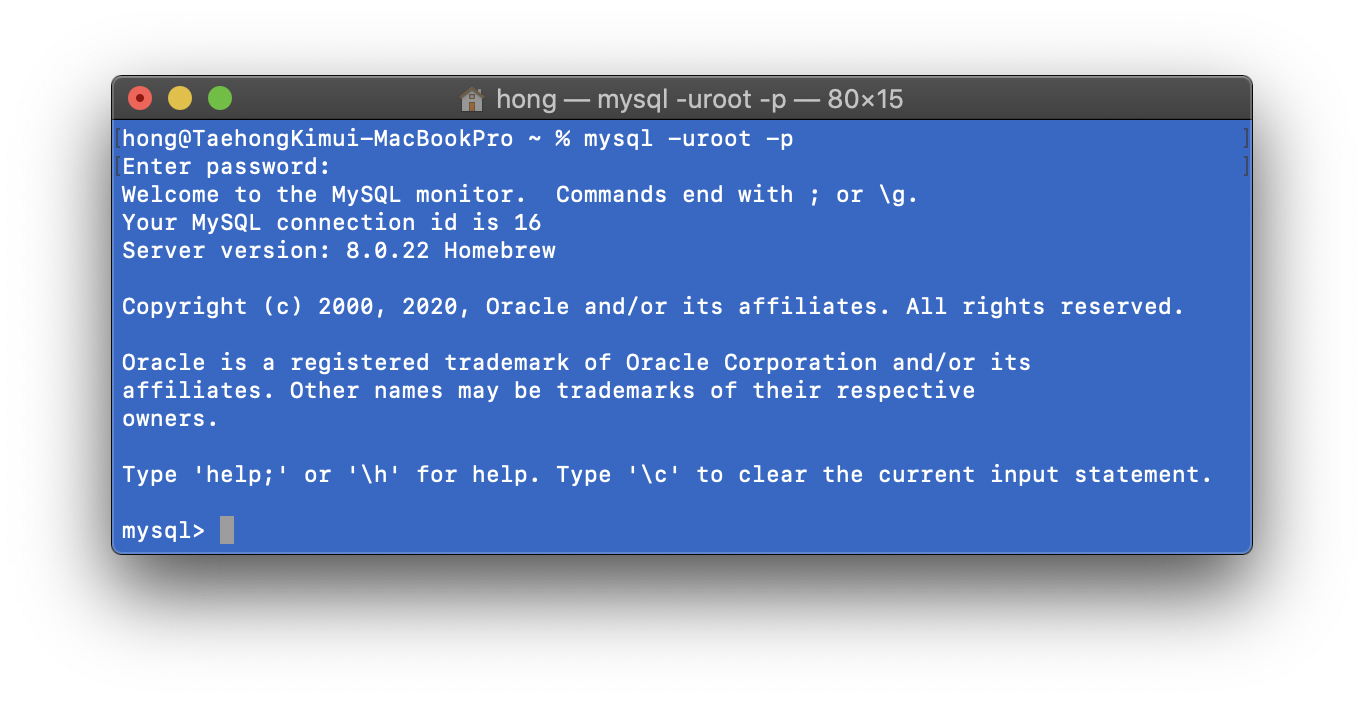
반응형